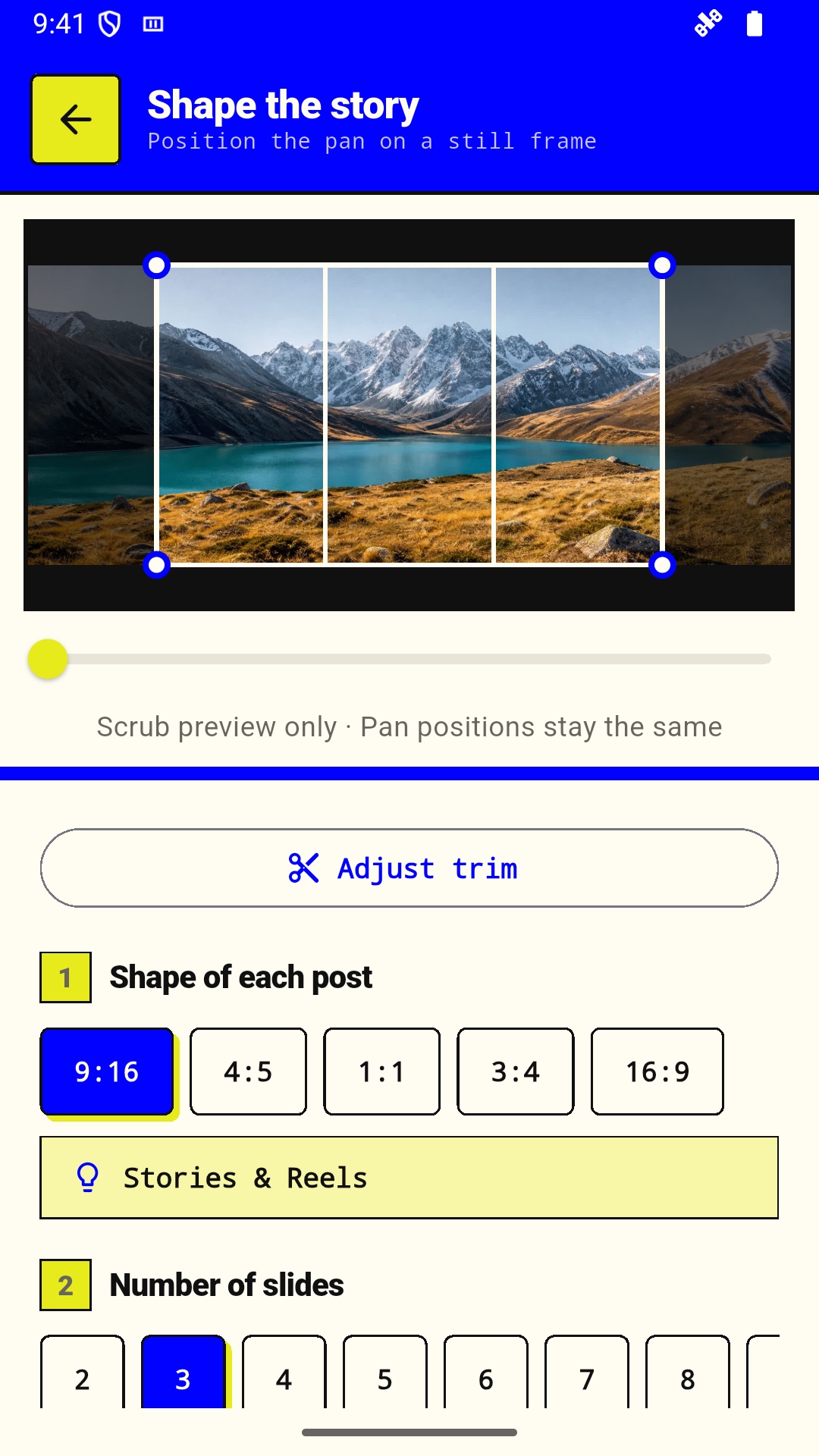
012 to 10 slides
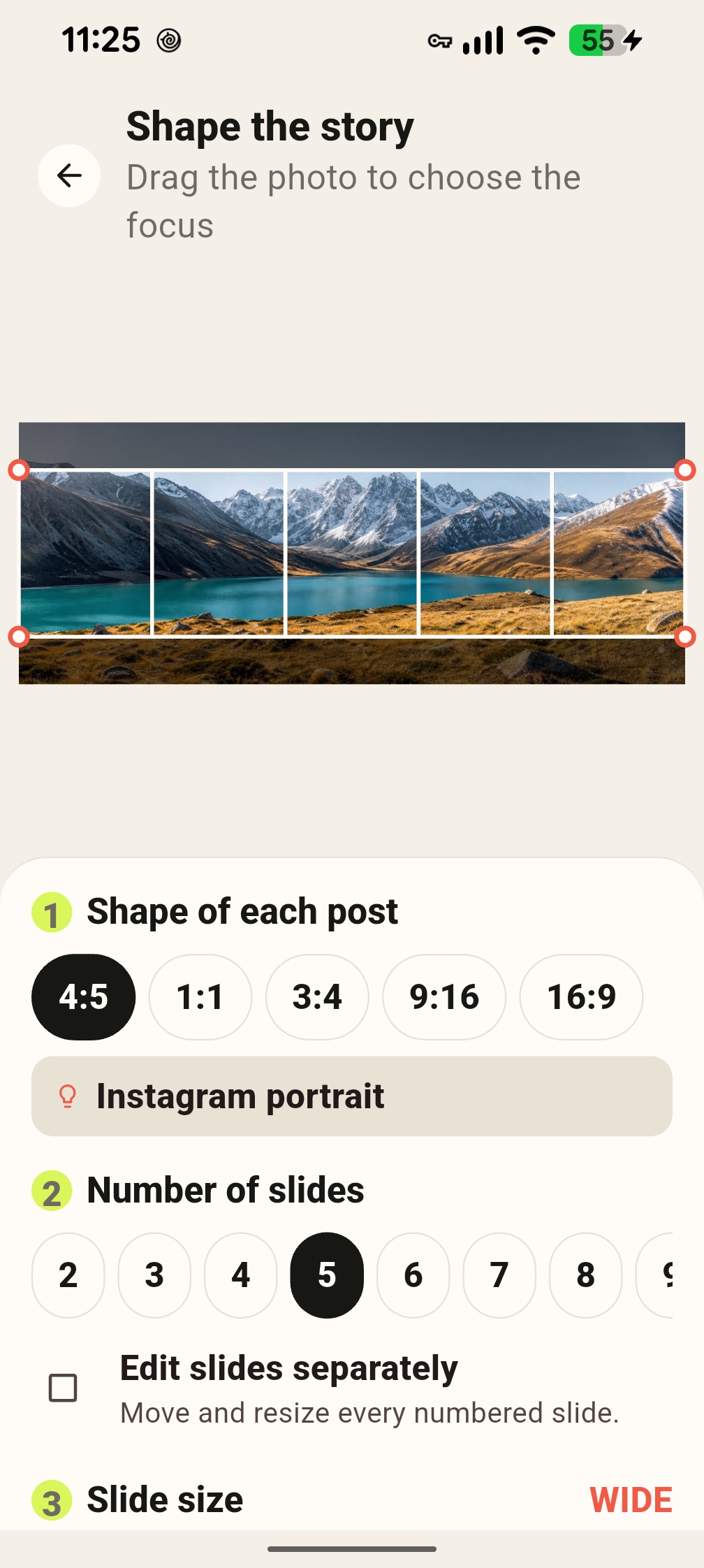
Make a short before-and-after swipe or let a full panorama stretch across ten posts.
02Five useful ratios
Choose 4:5, 1:1, 3:4, 9:16, or 16:9 for each exported frame.
03Independent framing
Move and resize each numbered slide to give every detail its own close-up.
04Resolution guidance
See the native pixels per slide while you crop, before a soft export surprises you.
051080 px JPEGs
Carousel images export at social-ready width with high-quality JPEG encoding.
06Join-by-join review
Swipe through the rendered frames and inspect the seam before saving or sharing.
07Directed video motion
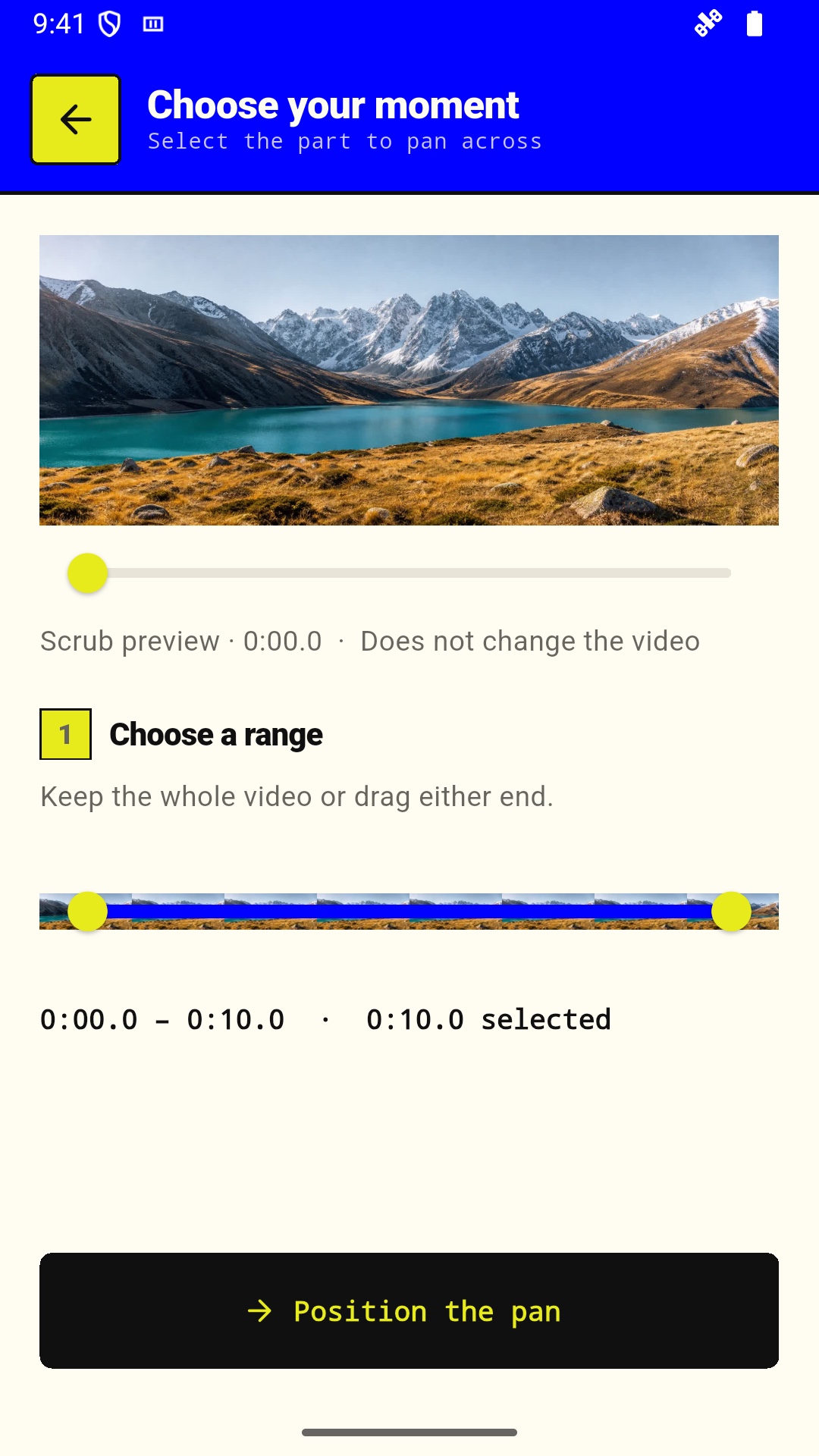
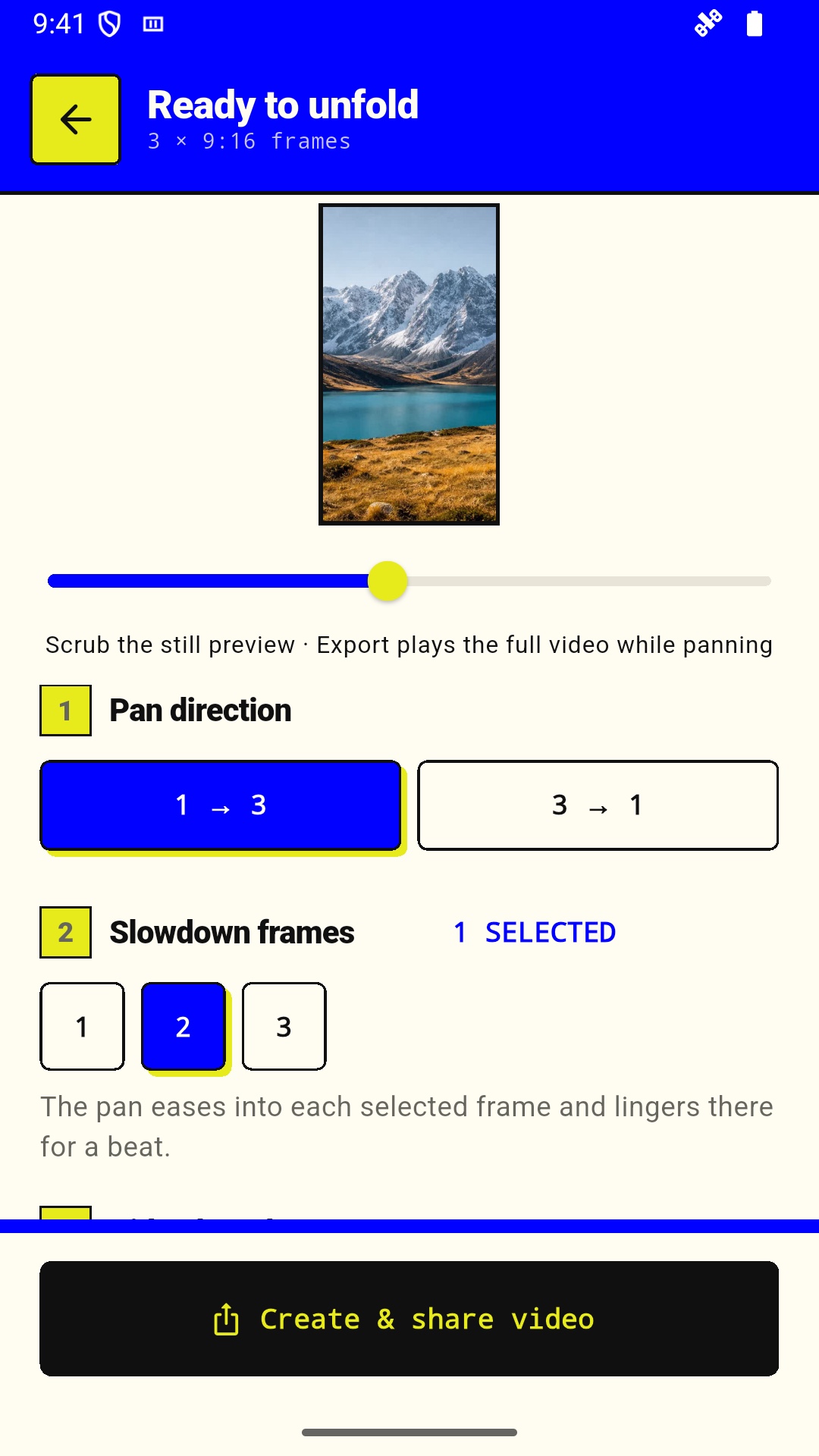
Choose direction, duration, selected slowdown frames, and an optional loop back.
08Clean video edges
Add a half-second fade through black or white at the beginning, the end, or both.
09Hardware-assisted MP4
PanoRibbon uses the phone’s H.264 hardware encoder where the device supports it.
10Save or share
Save carousel images to the library or send photos and videos through the system share sheet.